

Creating an API key
Every account has its own API key or keys. You can manage them in your account on the ‘Connect’ page.
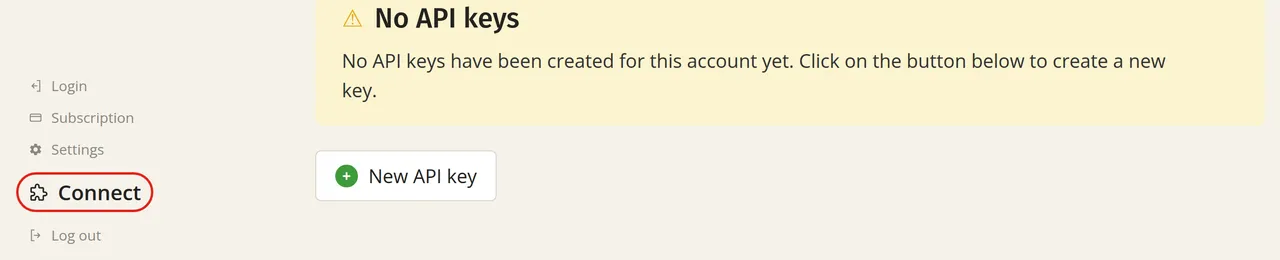
Creating a new key
Do you not have a key yet, or would you like to use an extra key? You can create one on this page. With a free account, you can create up to three keys.
Immediately after creating the new key, it will be shown to you once. Copy it straight to your application, as you will not be able to retrieve it afterwards.
Retrieving a key
An API key provides access to a large amount of data in your account. For this reason, Laposta treats a key like a password and does not store it. You therefore cannot retrieve a previously created key again. However, you can see the first four characters so that you can recognise the key. You can read how to send the key along and store it securely in Authentication with an API key.
Blocking or deleting a key
If you want to temporarily prevent a key from being used, click ‘Details’ to block it. If you no longer need a key at all, you can delete it using that same button.