

Creating a new user
Multiple people can work in a single Laposta account at the same time, each with their own login. Sharing a single login among several people is not secure: anyone can set a new password for that username, and working in the account simultaneously is then not possible.
A login is therefore meant for one person. You can configure what that person is allowed to do in the account using permissions and roles.
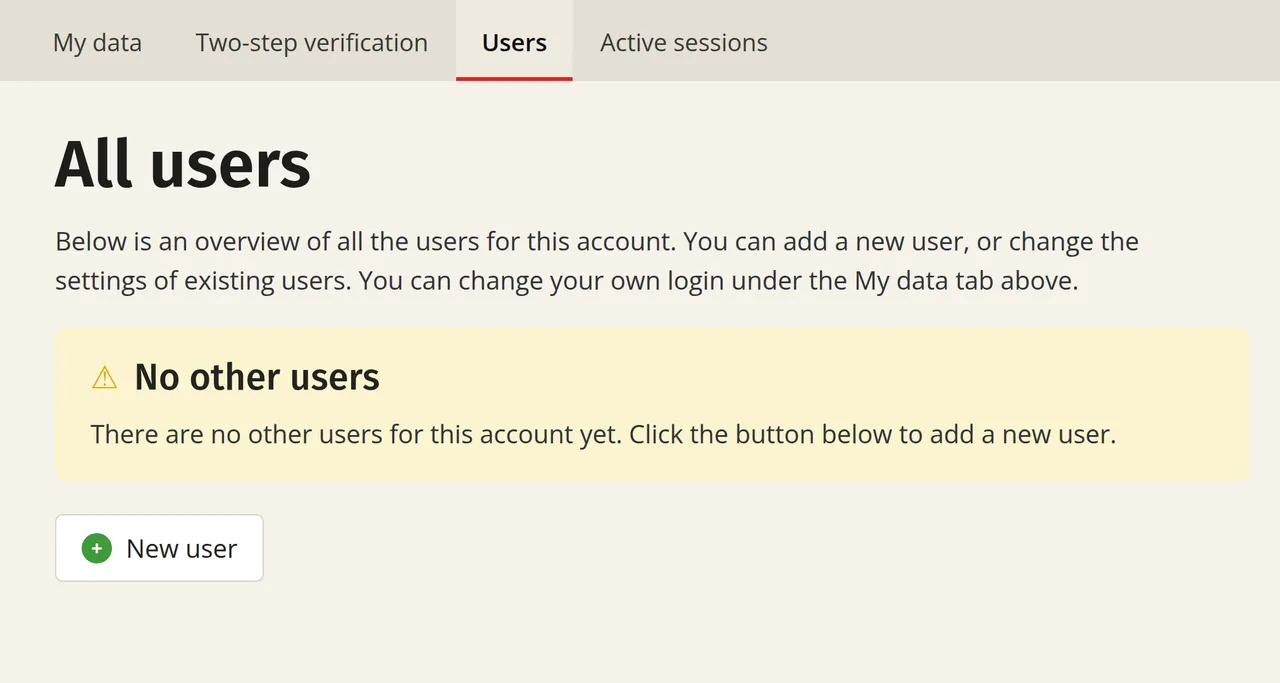
Creating a user
Only administrators can create new users (usernames).
When creating or editing a user, you cannot enter a password yourself. In this way, Laposta prevents passwords from being passed on to the new user in an insecure manner, such as by email.
Differences between a free and a paid account
How many users you can create and what you can configure per user depends on your account type.
You can read which permissions belong to the standard roles under user roles and permissions in Laposta.
Working with multiple accounts
If your organisation works with multiple Laposta accounts, you can manage the users of those accounts from the management environment. This is a layer above your accounts, with its own user management.