

Creating a new account in the management environment
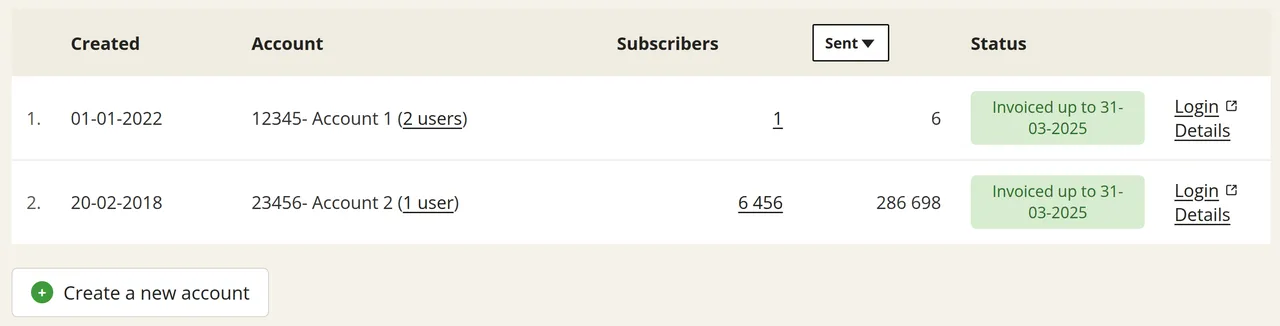
If a new project or department is added, you can create an account for it yourself from your management environment. At the bottom of the list of your organisation’s accounts, click on ‘Create a new account’. The new account will then appear immediately in your management environment.
Having presets prepared for new accounts
You do not have to set up a new account from scratch afterwards. If you have presets activated in your management environment, those settings will already be in place for every new account you create from the management environment. Your colleagues can then get started with it straight away.
You can have these six options configured independently of each other:
Would you like to have one or more presets activated in your management environment? Please send an email to the helpdesk at helpdesk@laposta.nl.