

Creating extra logins for the management environment
A login belongs to one person. Sharing login details and passwords with multiple people is not a good idea from an information security perspective. Therefore, give everyone who needs to work in the management environment their own login with their own password.
Creating an extra user
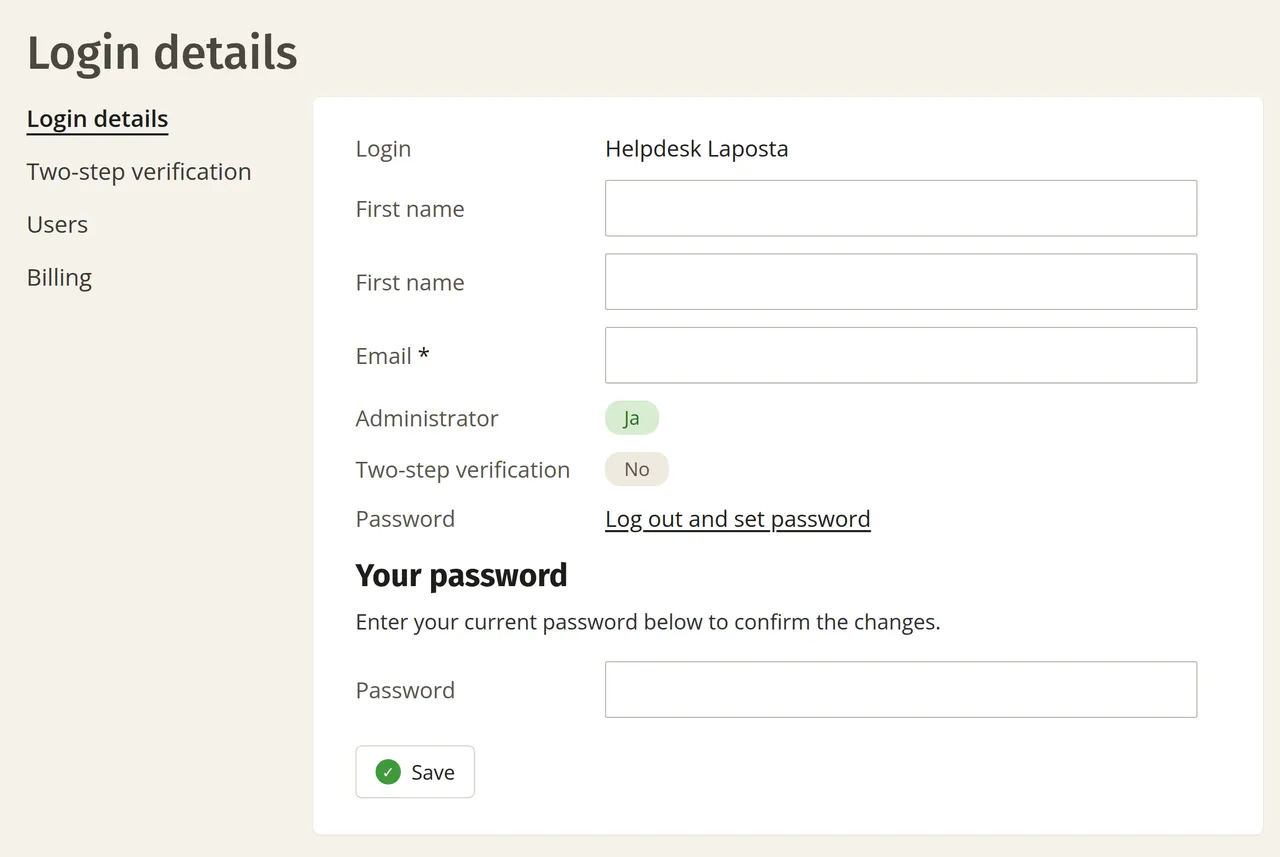
Log in to the management environment and click ‘Settings’ in the top right corner. There you can create extra users. In the same place, you can also edit your own details, enter the billing address and configure two-step verification.
Access to all underlying accounts
With a login for the management environment, a user does not just have access to one account, but to all underlying accounts. You can read about the difference compared to users within an account under two-level user management.
If you only want to let someone work in certain accounts, you have two other options:
- From the user management section of the management environment, you can give an existing user access to multiple accounts.
- If it concerns a single account, you can create an extra login for your colleague within that account.