

Finding and downloading your invoices
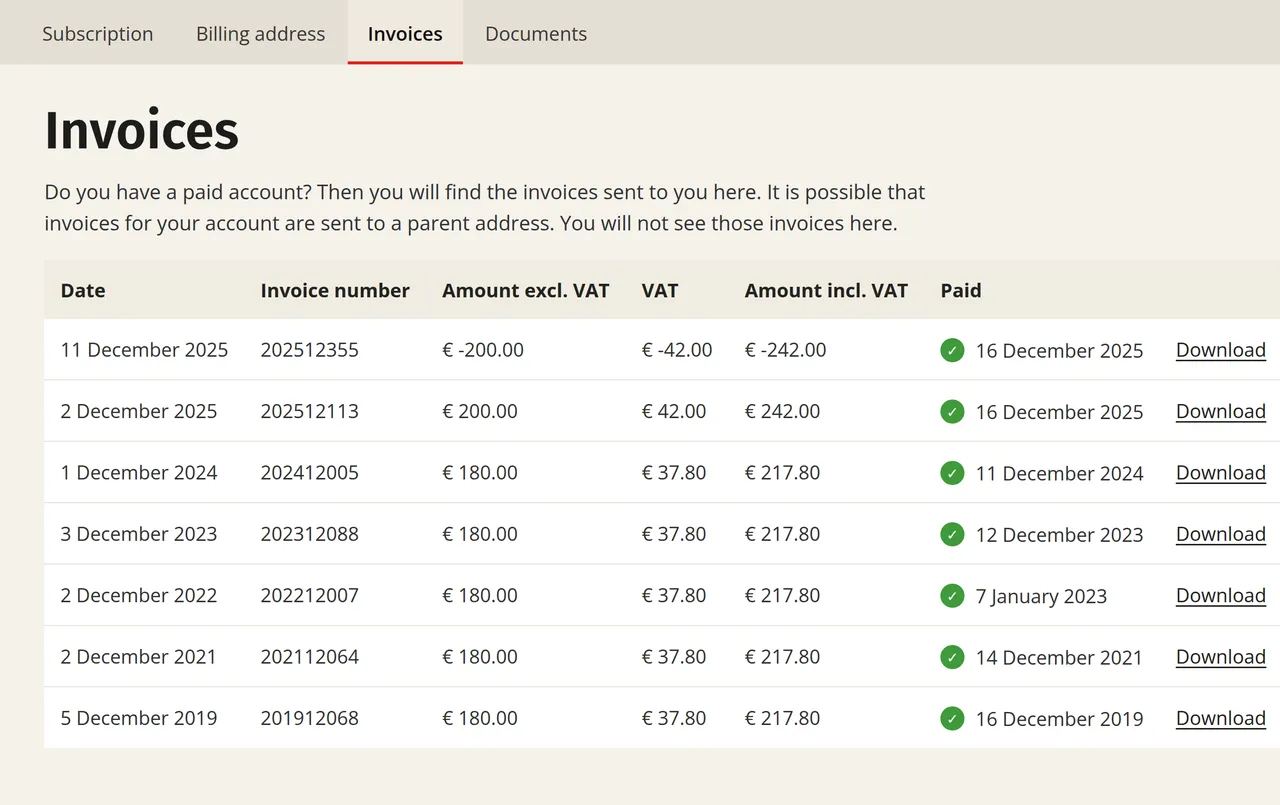
If you have a subscription or use credits, you will receive an invoice from Laposta. You can find all your invoices in your account via Subscription (bottom left) → Invoices. For each invoice, you can see the date, the invoice number, the amount including and excluding VAT, and whether the invoice has been paid. Click ‘Download’ at the end of a row to open the invoice.
Do you have a question about an invoice? Please send an email to debiteuren@laposta.nl.