

Deleting your account
You can stop using Laposta at any time. How you do this depends on the type of account you have. You can cancel a paid subscription, and you can delete a free account yourself. The helpdesk prefers not to do this upon request, in order to avoid mistakes.
Log in and go to Login → My data in the bottom left corner. In the right-hand column under ‘Delete account’, click the link ‘Delete account’.
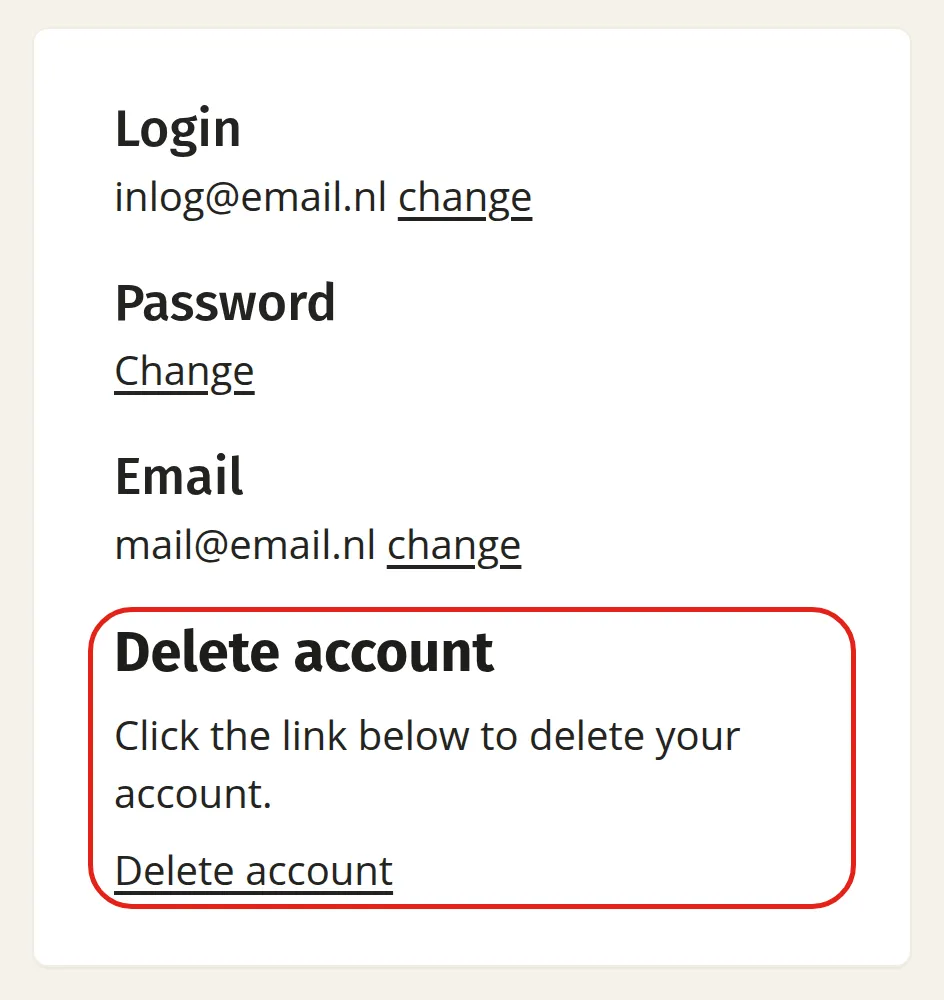
This permanently deletes your account and Laposta cannot undo this afterwards. Your subscriber data and the newsletters (and their results) will be lost in the process.
Deleting your account is not strictly necessary. If you do not use your account for a long period of time, Laposta will eventually delete it automatically. You will, of course, receive a warning about this in advance.