

Which WordPress plugin is best to choose?
Laposta has three of its own plugins for WordPress. These allow you to place a subscribe form on your site without having to add JavaScript yourself, and visitors who subscribe are added directly to one of your lists.
Which Laposta WordPress plugin should you choose?
You can install Signup Embed and Signup Basic from your WordPress admin dashboard. In the plugin directory, you can recognise them by the red Laposta logo. Both plugins give you a shortcode that you can use to display the form on specific pages. The WooCommerce plugin is separate from these: it works within the e-commerce module of WordPress and can be added as a ZIP file.
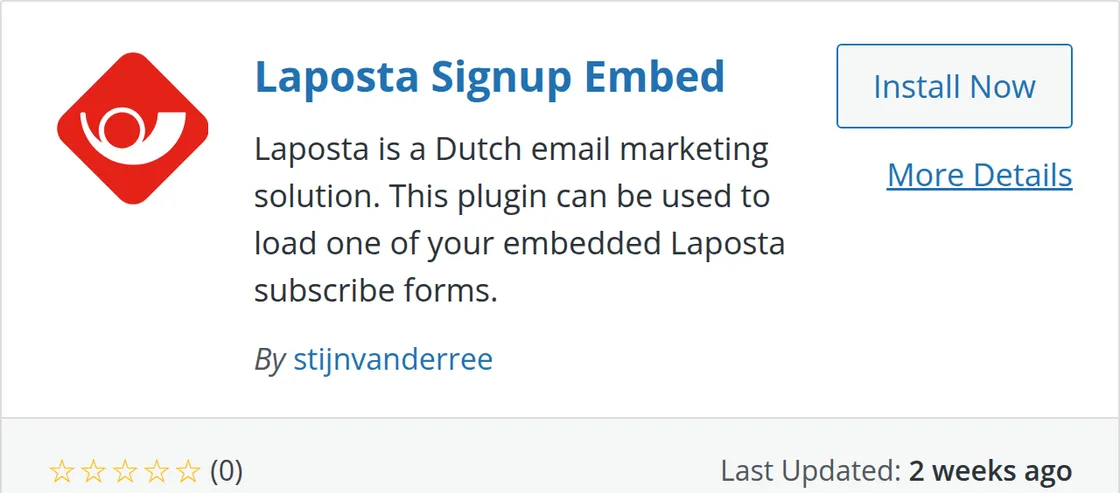
Choose the plugin that suits what you want to put on your site:
The code for these integrations is public and available on GitHub. If you get stuck, please contact the helpdesk at helpdesk@laposta.nl.
Other integrations for WordPress
Other parties also develop plugins and integrations between WordPress and Laposta. With these, you can further synchronise WooCommerce with Laposta, and automatically add submissions from form plugins such as Contact Form 7, WPForms, Fluent Forms, Gravity Forms, the add-on by Jos Waalkens for Gravity Forms and Elementor Forms to a list. Furthermore, you can publish sent campaigns on your WordPress site and automatically send your last campaign from WordPress.