

Manually adding subscribers to an automation
If you want to add existing subscribers to an automation, choose the ‘Manual’ start moment. This opens up the automation to receive subscribers from other places in Laposta.
Adding subscribers to the automation
You can add subscribers in two places:
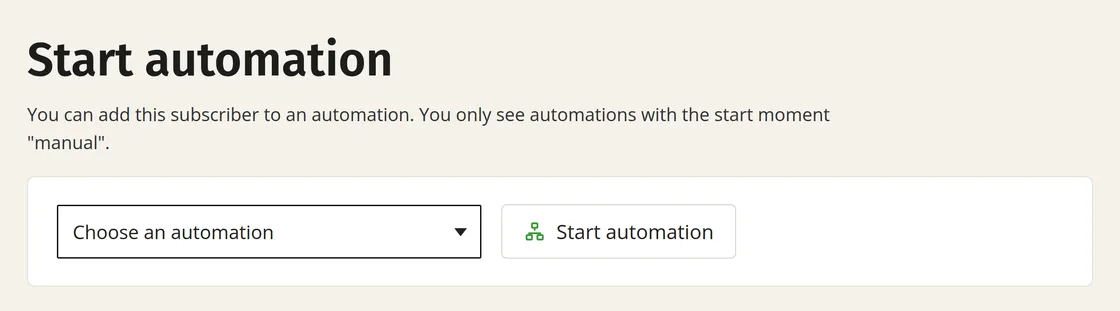
- In the details of an individual subscriber: at the bottom of the page, you can select the automation and add the subscriber.
- In the overview of subscribers: you can tick multiple email addresses there and add them to the automation at the bottom of the list.
Use the icon above the checkboxes to quickly select multiple subscribers. You can also choose to display more items per page.

Running through once or multiple times
At the start moment, you choose between ‘May run multiple times’ and ‘Once per subscriber’. ‘May run multiple times’ is enabled by default: the same subscriber can then run through the automation more than once. If you choose ‘Once per subscriber’, a subscriber can only run through the automation once. If you manually add that subscriber again later, nothing happens.