

Skip to navigation

Creating fields for extra data

A list always contains your subscriber’s email address. If you want to include more data for your subscribers, such as a first and last name, you can first create extra fields for this. You can then use that data to personalise your newsletter.

Creating an extra field
1

Open the fields of your list

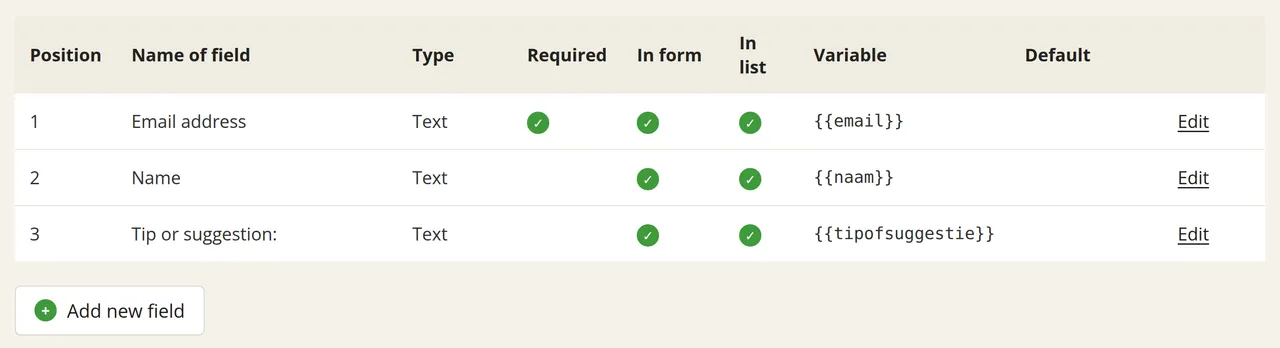
Go to Subscribers → Settings → Fields. The table shows the fields your list currently has.

The Create extra fields for your list page with the fields table and the Add new field button below the table
2

Create a new field

Click ‘Add new field’ below the table.

3

Set the field properties

Set the six properties of the field:

PropertyMeaning
Name of fieldThe name of the field in your list
TypeText field, numeric field, date field, or multiple-choice field
In formWhether the field appears on your subscribe form
In listWhether the field is visible in the overview of your list
RequiredWhether your subscriber is required to fill in the field
DefaultThe default value given to the field

You can change the order of the fields by dragging and dropping them in the overview.