

Deleting a list
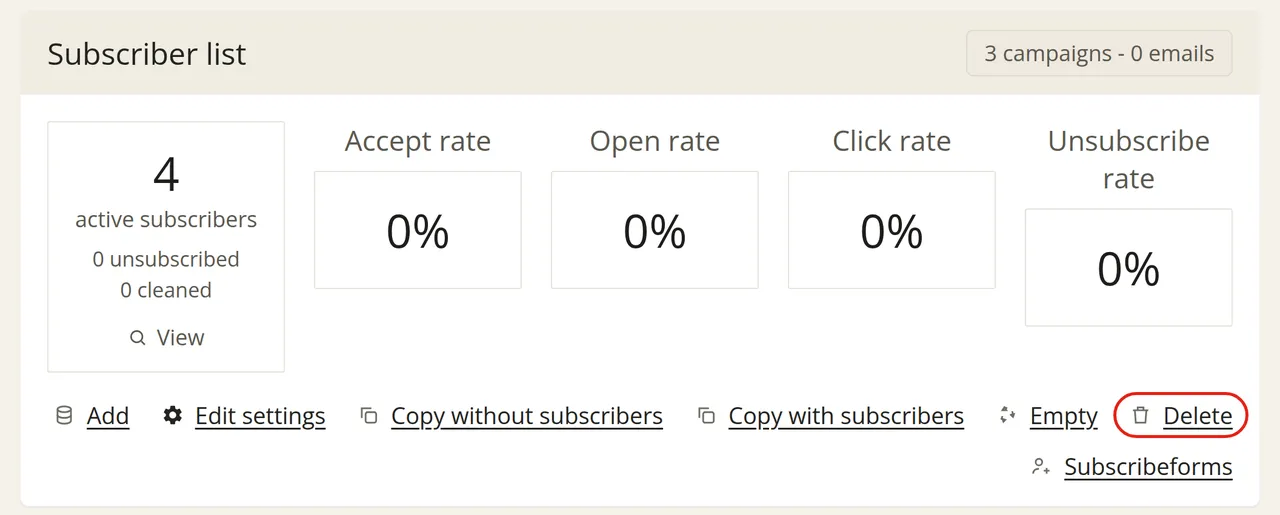
Go to ‘Subscribers’ and click ‘Delete’ next to the list you want to delete.
A deleted list is retained for 30 days. During this time, you can still restore the list and all its subscribers yourself. After that, the subscriber data will be permanently deleted. You will then only be able to get your subscribers back by importing them again.
If you only want to delete the subscribers and keep the list itself, choose ‘Empty’ instead of ‘Delete’. Read more about emptying a list.
If you want to keep the data, export your subscribers before deleting the list.