

Adding subscribers to your list
The best way to add subscribers depends on how many you have and what details you hold for them: just an email address, or also details such as a first name, last name and address.
Via the subscriber overview
By hand
Importing a file
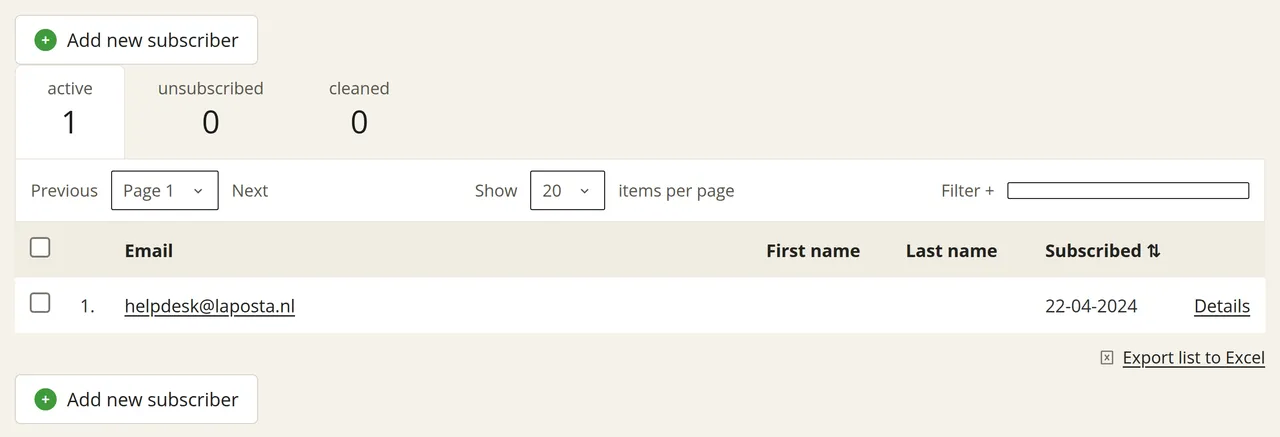
Go to ‘Subscribers’ and click ‘View’ next to your list. Click ‘Add new subscriber’ above or below the table and follow the steps on the screen. This allows you to fill in multiple fields for the new subscriber straight away.
With all three methods, you can add extra details to your subscribers afterwards, such as a first and last name or city. The quickest way to do this is with an Excel file, aunque you can also do it manually.