Hiding the edit link or fields on the edit form
At the bottom of your newsletter, there is a link to the edit form by default, allowing subscribers to update their details. You can configure which details a subscriber can view and edit there.
Hiding fields on the form
In every list, you can specify for each field whether it is visible on the sign-up and edit forms. This allows you to determine which of their own details a subscriber can view and edit.
A new field is included on the form by default, because the ‘In form?’ option for the sign-up form is already set to ‘Yes’ when you create the field. You can hide the field by setting this option to ‘No’. Whether or not the field is required makes no difference to this. Read the article about the edit form to find out how to make fields visible and invisible.
Prevent your subscribers from seeing the details of other subscribers. This only happens if you use the ‘multiple choice field, multiple options’ option to import data that is not intended for this purpose. For example, if you also import email addresses as a multiple-choice field, all email addresses in that field will be visible to everyone on the edit form. This could even constitute a data breach. If in doubt, please contact the helpdesk at helpdesk@laposta.nl.
Hiding the edit link in a free account
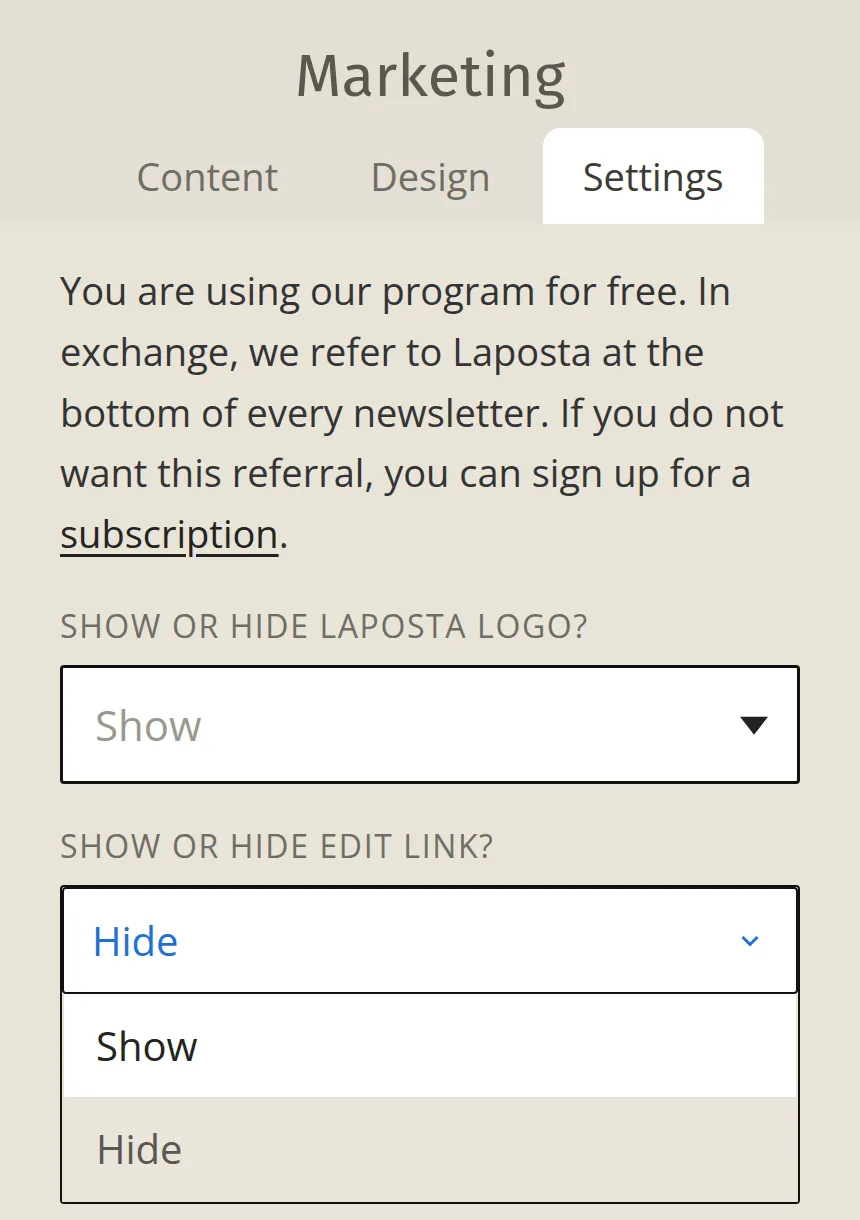
If you have a free account, you can adjust a limited number of options for the text and links in the bottom marketing block (next to the Laposta logo). For example, you can hide the link ‘You can also view or edit your details’ so that subscribers cannot edit their details themselves: